-
Introduction
GSI2 is a comprehensive web-based business management platform that combines ERP (Enterprise Resource Planning), HRM (Human Resource Management), and CRM (Customer Relationship Management) functionalities. Designed specifically for service-oriented companies, GSI2 provides an integrated solution for managing clients, staff, documents, and business processes within a professional environment.
System Architecture
GSI2 operates on a multi-tenant architecture where each client environment is completely isolated with its own dedicated database. This ensures data security and privacy while allowing controlled access between environments when necessary.
Getting Started
- Set up the dynamic values in the main tables for the most general usage fields (Countries, Regions, Currencies, Company fields, Individual fields)
- Set up Companies
- Set up Employees
- Create and assign roles and permissions
- Activate users and send the first access email to allow them to set their password and log in to the system
Navigation Tips
- Use the main navigation menu to move between sections
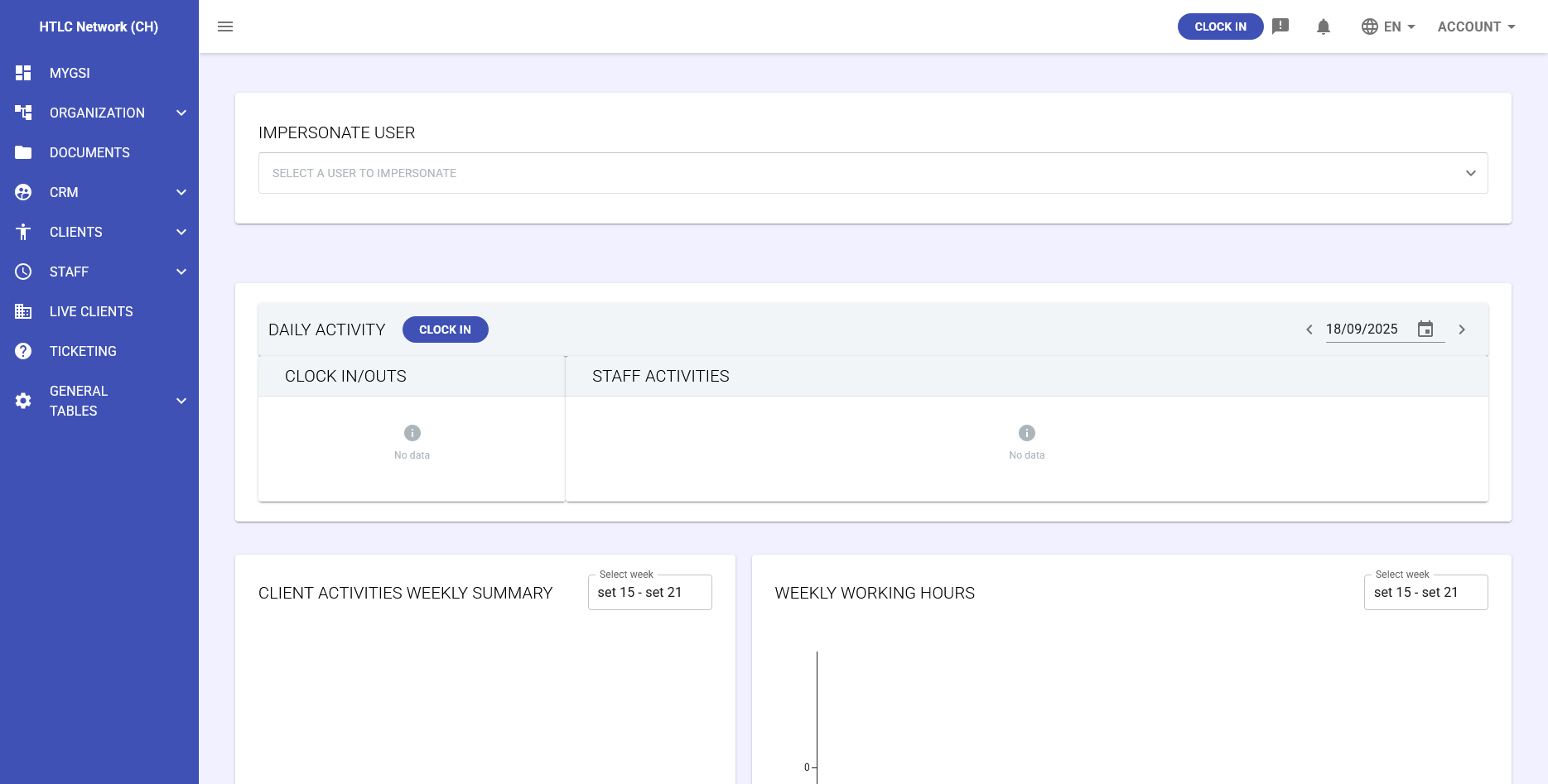
- The top bar and the MyGSI dashboard provide an initial overview of user data and quick access to the most common features
- Look for the help icons (?) in the interface for contextual assistance
This overview provides a foundation for navigating the structure and understanding the capabilities of GSI2.
On the right, you will find a list of links to user guide sections that cover the most common operations to get started.
Below, a complete list of GSI2 sections is provided. From each section, you can navigate to the related article, which contains a detailed description and links to guides covering specific features and advanced functionalities.
-
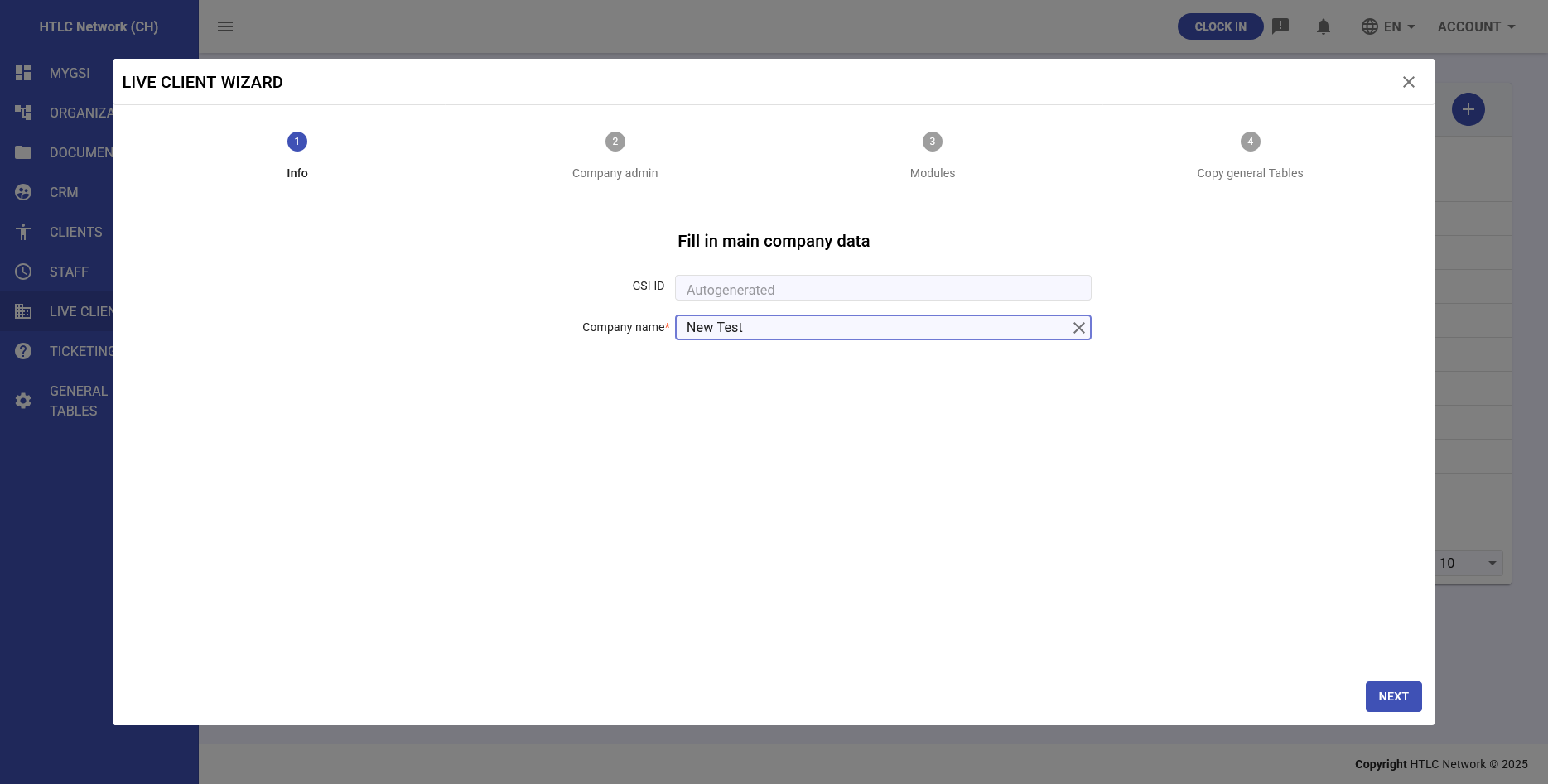
Live Clients
Purpose: Environment access management
Overview: GSI2 organizes data in separate client environments, each with its own isolated database. The Live Clients section displays all client environments you have permission to access from your primary environment. This feature is particularly useful for service providers who manage multiple client accounts or organizations with subsidiaries.
Key Features:
- View available client environments
- Switch between authorized environments
- Manage cross-environment access permissions
-
General Tables
Purpose: System configuration and reference data
Overview: Contains dynamic lookup tables and configuration data used throughout the system. These tables support dropdown menus, validation rules, and module-specific functionality.
Common Tables:
- Currencies: Supported currencies for financial calculations
- Countries: Geographic reference data
- Employee Types: Staff classification categories
- Roles: System access and permission definitions
- Custom Tables: Organization-specific reference data
Key Features:
- Centralized reference data management
- Dynamic option lists
- System-wide consistency
- Custom table creation
- Data validation support
Learn more in the dedicated articles:
General
Companies
- Representative Types
- Company Types
- Supplier Types
- Legal Clients Activities Types
- Legal Entity Types
- Badge Terminals Codes
Individuals
CRM Tables
- Social Networks
- Domain Names
- Task Status
- Task Types
- Task Priorities
- Attachment Types
- Sale Phase
- Setup Types
- Company Types
- Company Industries
- Lyfecicle
Ticketing
- Ticket Categories
- Ticket Subcategories
- Ticket Supports
- Ticket Assistence Locations
- Ticket Invoicing Types
- Ticket Priorities
- Ticket Task Priorities
- Ticket Types
Clients
Staff
-
Organization
Purpose: Master data management for organizational structure
Overview: The foundation of your GSI2 system, managing all organizational entities and their relationships. This hierarchical structure supports both simple and complex organizational models.
Structure:
- Companies (Essential): Client companies and business partners
- Individuals (Essential): All persons in the system with roles and permissions
- Business Units (Optional): Large organizational divisions
- Departments (Optional): Functional areas within business units
- Teams (Optional): Working groups within departments
Key Features:
- Hierarchical organization management
- Role-based access control
- Individual and company parameter settings
- Approval workflow configuration
- Default value management
-
Documents
Purpose: Advanced document management system
Overview: A sophisticated document management solution with intelligent features for organizing, securing, and tracking business documents. The system can automatically associate documents with relevant individuals and maintain detailed access controls.
Key Features:
- Automated document import and matching
- Granular permission management
- Notification system for document events
- Advanced search and categorization
- Version control and audit trails
-
CRM
Purpose: Customer relationship and lead management
Overview: Complete customer lifecycle management from initial lead generation through conversion and ongoing relationship maintenance. Integrates marketing campaigns with sales processes and client onboarding.
Sections:
- Companies: Client company profiles and relationship data
- Workflow: Sales process automation and task management
- Campaigns: Marketing campaign management and tracking
- Lifecycle: Lead progression and conversion tracking
Key Features:
- Lead capture and qualification
- Campaign ROI tracking
- Automated workflow processes
- Client conversion management
- Integration with Organization module
-
Clients
Purpose: Service delivery and contract management
Overview: Manages the operational aspects of client services, from initial agreements through service delivery and task completion. Connects contractual commitments with actual work execution.
Key Components:
- Service Agreements: Contractual service definitions and terms
- RFA (Request for Action): Service activation and execution requests
- Task Distribution: Internal staff assignment and external vendor delegation
- Service Tracking: Progress monitoring and completion verification
Key Features:
- Contract-to-delivery workflow
- Automated task generation
- Internal and external resource management
- Service level monitoring
- Client communication tracking
-
Staff
Purpose: Comprehensive workforce management
Overview: Complete staff management covering time tracking, attendance, activities, and payroll preparation. Supports complex organizational policies and automated approval workflows.
Sections:
- Active Clock In: Current active staff status
- Daily Summary: Consolidated daily attendance overview
- Clock In/Out Records: Detailed attendance logs
- Anomalies: Policy violations and exceptions requiring attention
- Staff Activities: Approved work activities and time allocation
- Absences: Leave management and tracking
- Calendar: Visual attendance and activity overview
- Reimbursements: Expense claims and approval workflow
- Import/Export: Data integration with external systems
- Time Shifts: Work schedule templates and policies
- Badge Codes: Physical access card management
- Work Shifts: Shift scheduling and planning
Key Features:
- Real-time attendance tracking
- Automated policy enforcement
- Exception management workflows
- Payroll system integration
- Flexible scheduling options
- Expense management
-
Ticketing
Purpose: Internal request and issue management
Overview: Facilitates internal communication and request handling through a structured ticketing system. Enables staff to submit, track, and manage various types of internal requests efficiently.
Key Features:
- Request creation and categorization
- Assignment and escalation workflows
- Status tracking and updates
- Internal collaboration tools
- Request history and analytics
-
Notifications
Purpose: System-wide communication management
Overview: Centralized notification system that keeps users informed about important events and activities across all modules. Supports both email and push notifications with configurable triggers.
Key Features:
- Multi-channel notification delivery
- Event-based triggers
- Customizable notification preferences
- Delivery tracking and confirmation
- Integration with all system modules
-
MyGSI
Purpose: Personal dashboard and quick data overview
Overview: Your personalized command center featuring customizable widgets that display key information from across all enabled modules. MyGSI provides at-a-glance insights into your most important data, helping you stay informed about critical business metrics and activities.
Key Features:
- Customizable widget layout
- Real-time data from multiple modules
- Quick access to frequently used functions
- Personalized KPI tracking