-
Overview
The Teams section represents the third level of organizational hierarchy within GSI's Organization module, where actual individuals are assigned and work groups are formed. Teams serve as the operational units where day-to-day work is coordinated and managed.
Hierarchical Position
Teams function within the four-tier organizational hierarchy:
- Business Units - Large organizational divisions
- Departments - Functional areas within business units
- Teams (Current level) - Working groups where individuals are assigned
- Individuals - Actual company personnel assigned to teams
Key Distinction: Individual Assignment
Critical Feature: Teams are where actual individuals are assigned within the organizational hierarchy. This is the level where employees are grouped into operational units, making Teams the fundamental building blocks of day-to-day operations.
Interface Components
Main Interface
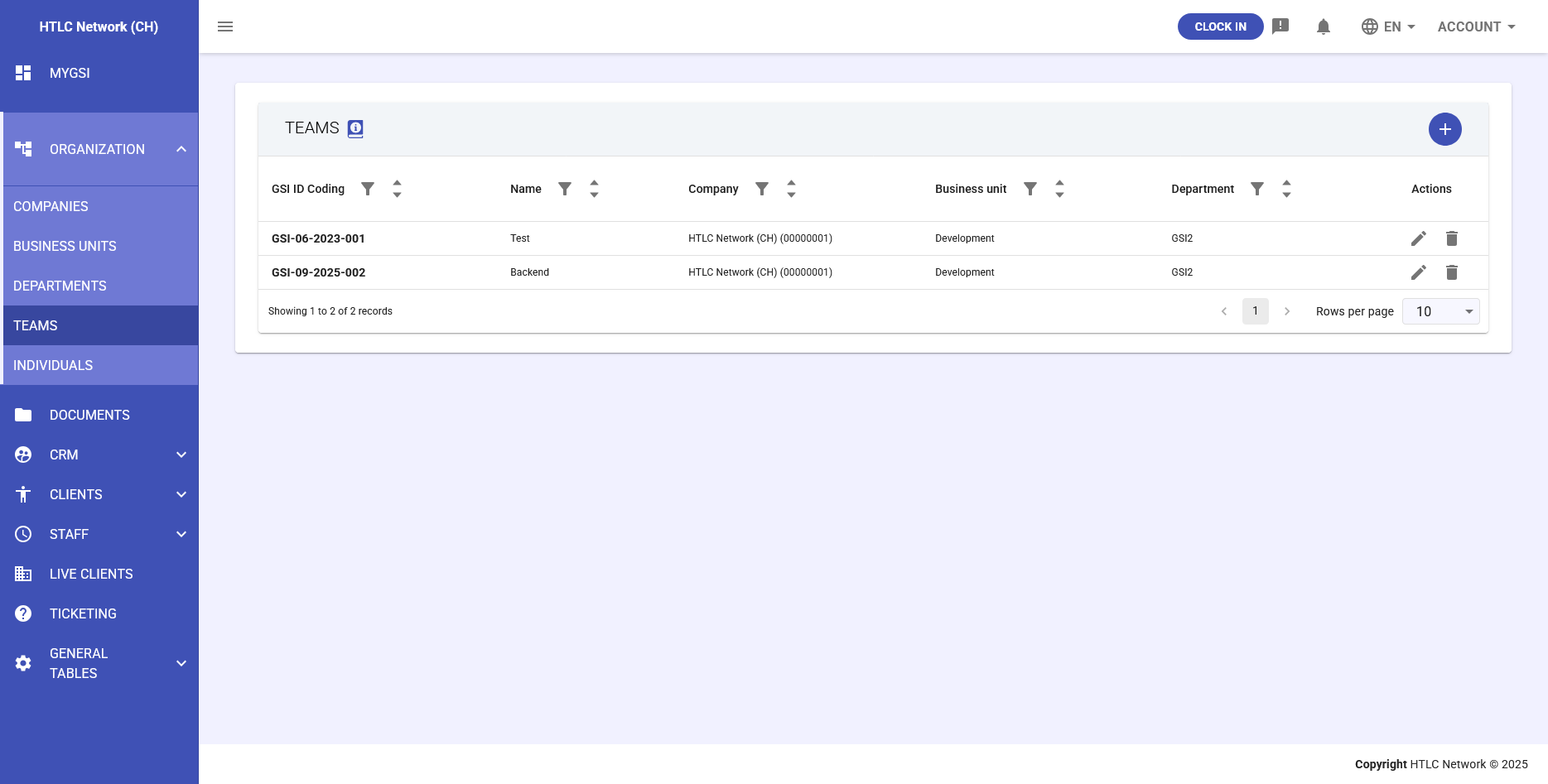
The Teams interface displays:
- GSI ID - System-generated unique identifier
- Team Name - Operational designation (e.g., "Sales Team Alpha", "Development Squad 1")
- Department - Parent department
- Team Members - Count of assigned individuals
- Team Lead/Approver - Designated team authority
- Actions - Edit, delete, and manage members
Team Creation and Configuration
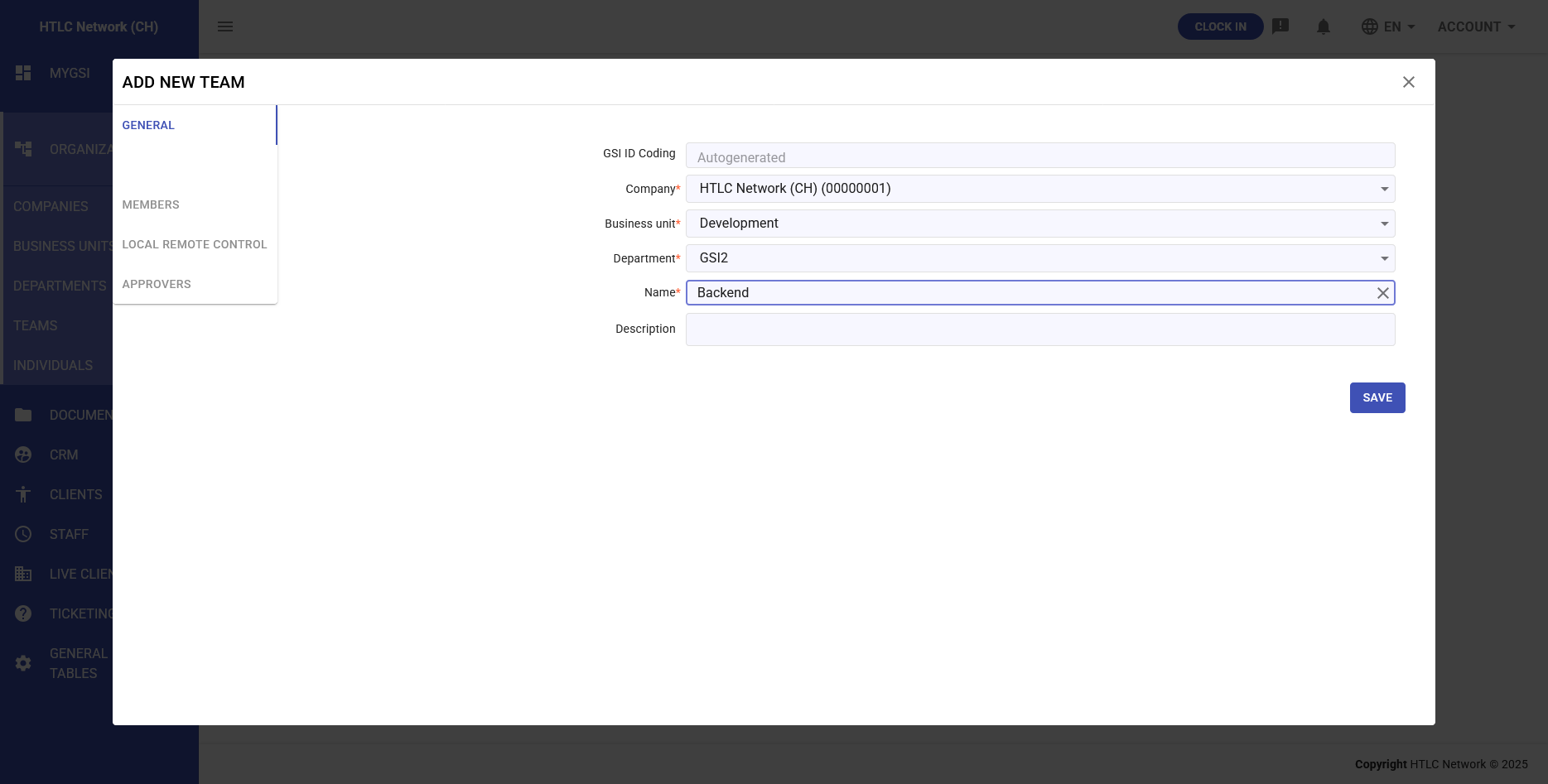
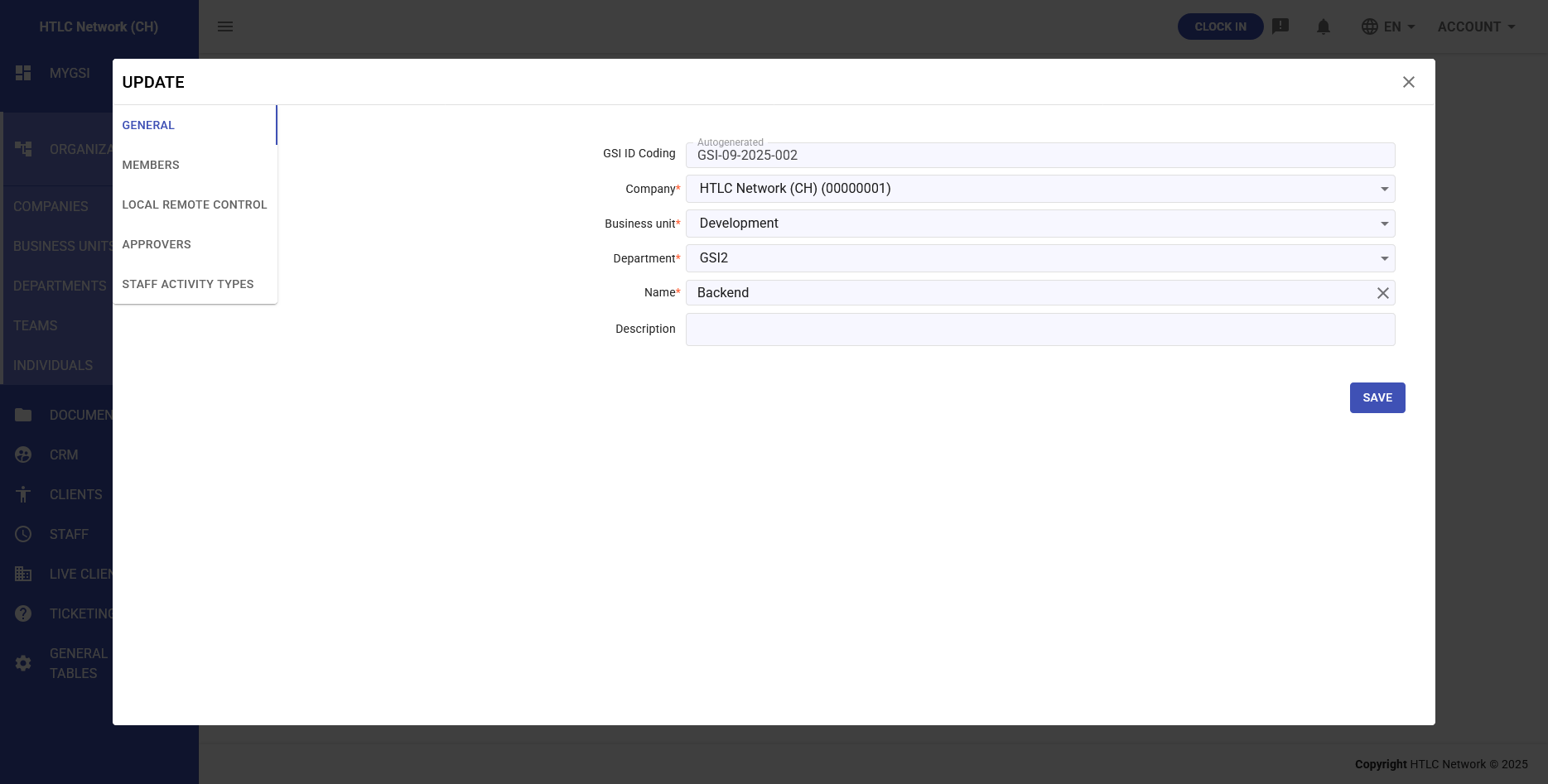
Creating a new team involves:
- Department Selection: Choose parent department
- Team Name: Clear operational designation
- Team Description: Purpose and objectives
- Individual Assignment: Add team members
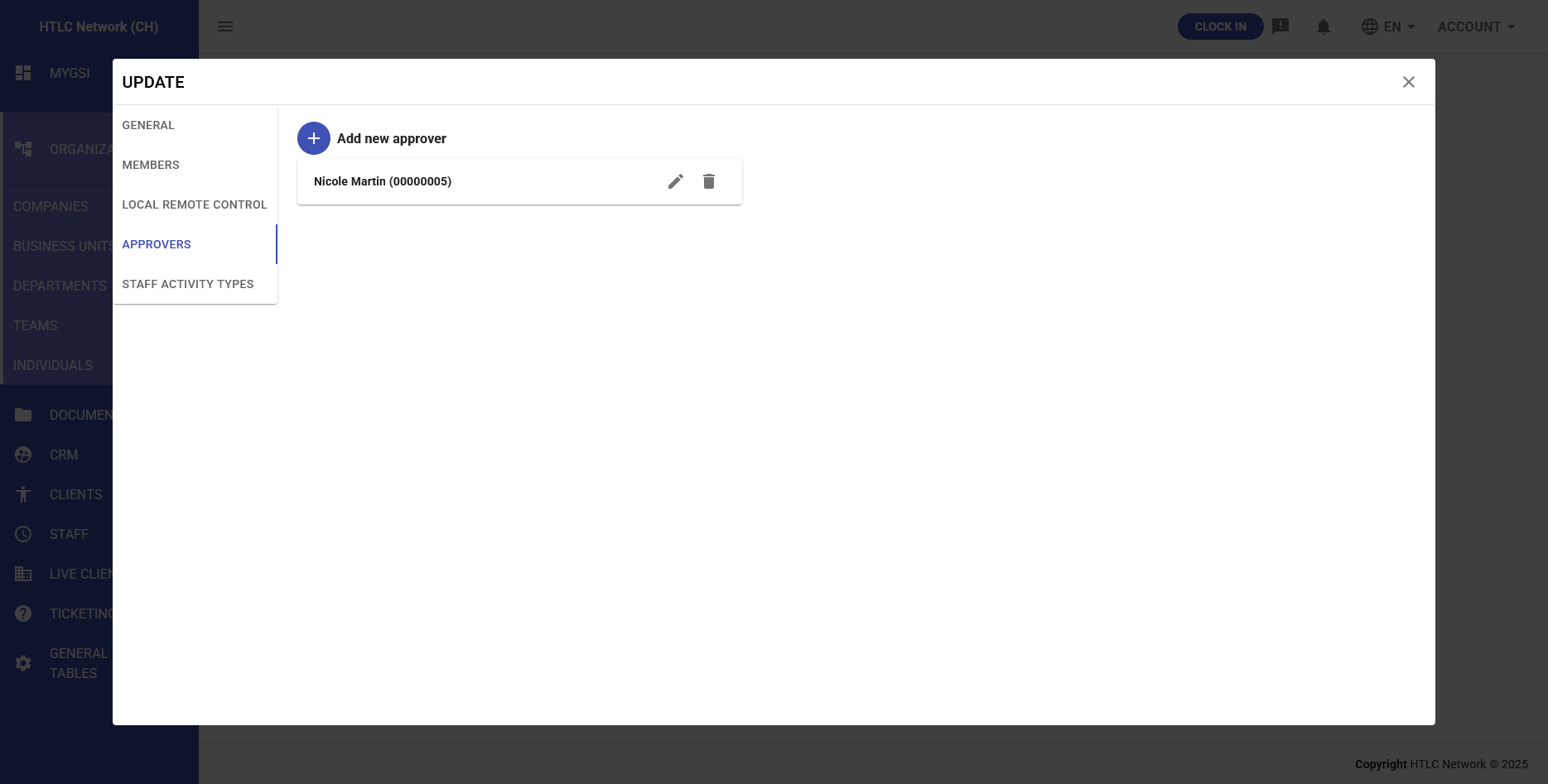
- Approver Designation: Assign team approver(s)
Individual Assignment
Team Membership
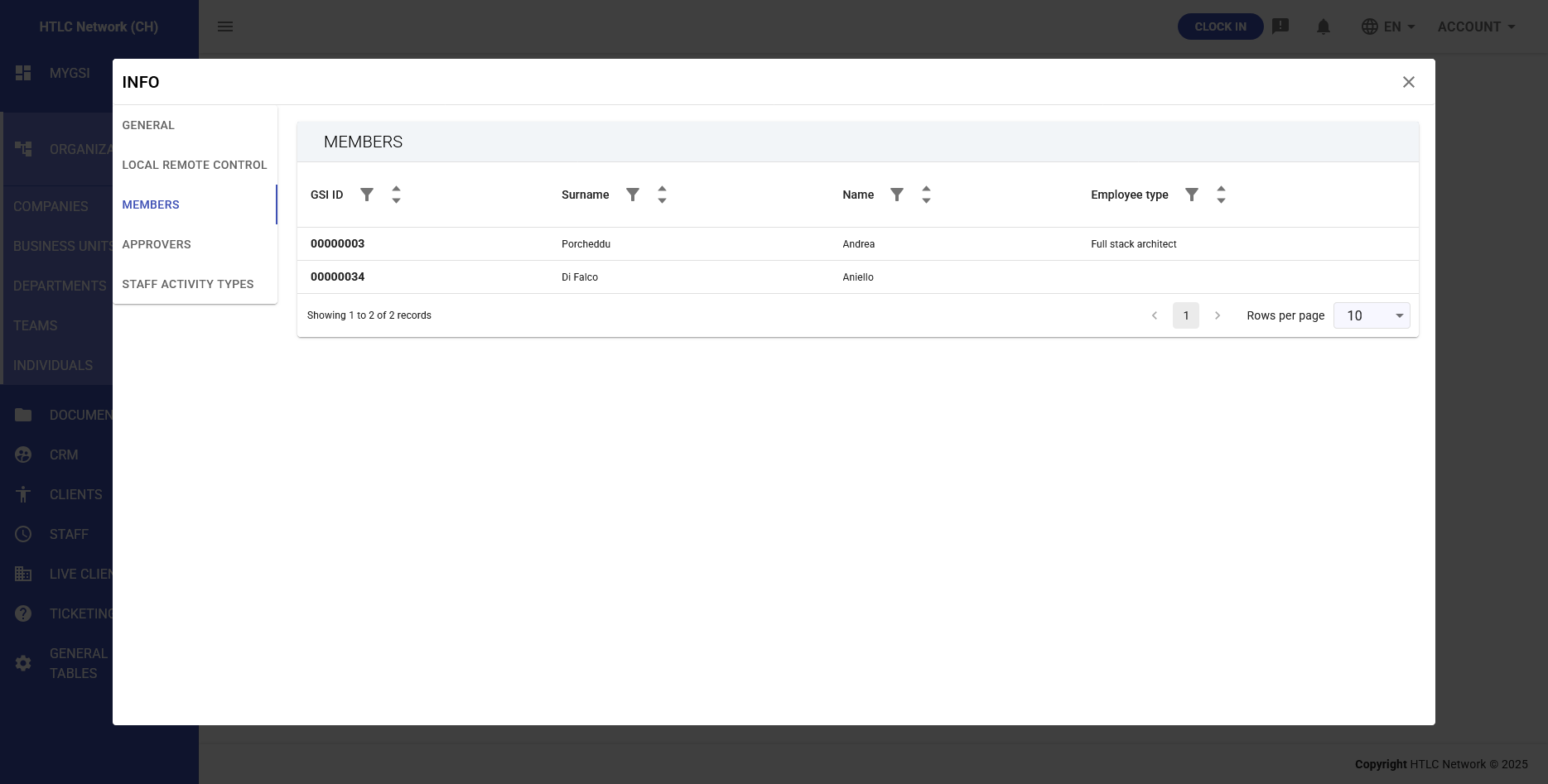
Teams are where individuals are actually assigned:
- Each individual must belong to at least one team
- Individuals can be members of multiple teams if needed
- Team membership determines reporting structure
- Access rights and permissions flow through team assignment
Managing Team Members
- Add Members: Select from available individuals in the system
- Remove Members: Reassign or remove team members
- Bulk Assignment: Add multiple individuals simultaneously
- Role Definition: Specify member roles within the team
Approver Functionality
Team-Level Approvers
At the team level, Approvers have critical operational authority:
- Direct Authority: Approve requests from team members
- Time Management: Approve timesheets and overtime
- Absence Approval: Manage team member leave requests
- Expense Validation: Review and approve team expenses
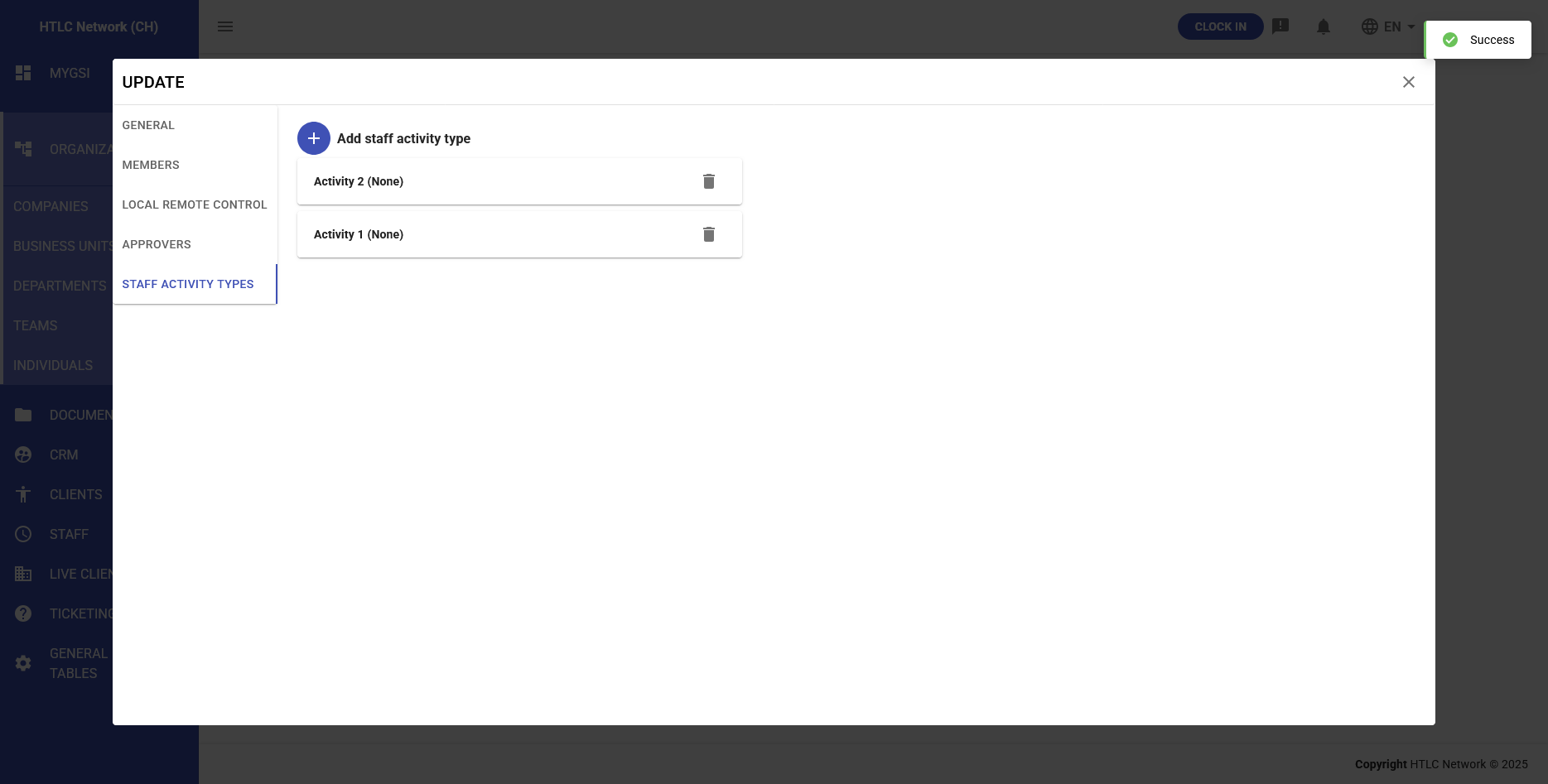
- Activity Oversight: Monitor and approve team activities
Approval Hierarchy
The approval structure flows through the organizational hierarchy:
- Team approvers handle day-to-day approvals
- Escalations go to department approvers
- Further escalations reach business unit level
- Automatic routing based on configured thresholds
Operational Functions
Workflow Management
- Team approvers receive all requests from team members
- Automatic notification of pending approvals
- Delegation capabilities during approver absence
- Audit trail of all approval decisions
Resource Coordination
- Workload Distribution: Balance tasks among team members
- Skill Mapping: Track team capabilities
- Capacity Planning: Monitor team availability
- Performance Tracking: Team-level metrics and KPIs
Integration Benefits
Staff Module Integration
- Team-based time tracking and reporting
- Consolidated team attendance overview
- Team schedule coordination
- Collective absence planning
Project Management
- Assign entire teams to projects
- Track team project contributions
- Resource allocation by team
- Team performance metrics
Administrative Advantages
- Operational Clarity: Clear team boundaries and responsibilities
- Efficient Approval Routing: Automatic workflow based on team structure
- Scalable Management: Manage individuals through team structures
- Flexible Organization: Easy team restructuring as needs change
Best Practices
Team Structure
- Keep teams at manageable sizes (typically 5-15 members)
- Ensure clear team purposes and objectives
- Avoid overlapping responsibilities between teams
- Regular review of team composition and effectiveness
Approver Assignment
- Designate primary and backup approvers
- Clearly communicate approval authorities
- Train approvers on system workflows
- Monitor approval response times
Relationship with Other Levels
Connection to Departments
- Teams must belong to a department
- Inherit department policies and procedures
- Report metrics up to department level
Connection to Individuals
- Direct assignment of individuals to teams
- Team membership defines individual's organizational context
- Permissions and access rights flow to individuals through teams
The Teams section is where organizational structure meets operational reality, providing the framework for effective day-to-day management and coordination of human resources.