-
After the first login procedure, you will directly use the username and password that you set up during the first login process.
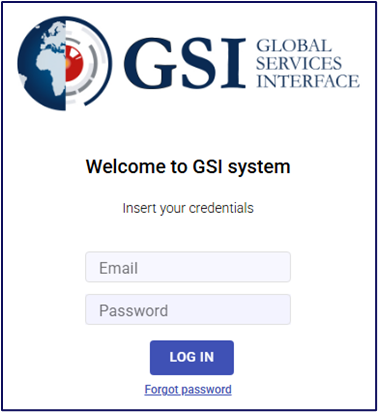
To log into the system:
- Open your web browser and enter the GSI website URL.
- Enter your username in the appropriate field, followed by your password, and click Login.
- If two-factor authentication (2FA) has been enabled for your account, you will then be prompted to enter a One-Time Password (OTP) generated by your authentication app.
After successfully entering the OTP, you will gain full access to the system.
👉 If you need to activate OTP and have not done so yet, follow the instructions outlined in our dedicated article.