-
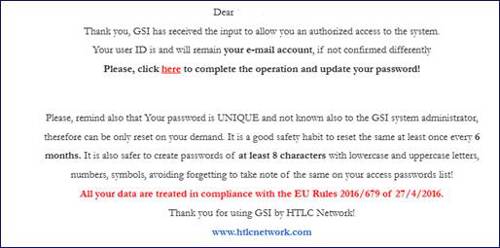
At your first login to the GSI system, you will automatically receive an email at your registered email address.
The email will contain a link that allows you to set up your credentials and create your access password.
Procedure:
-
Open the email you received and click the configuration link.
- On the screen that opens, enter your desired password, confirm it, and complete the required verification process.
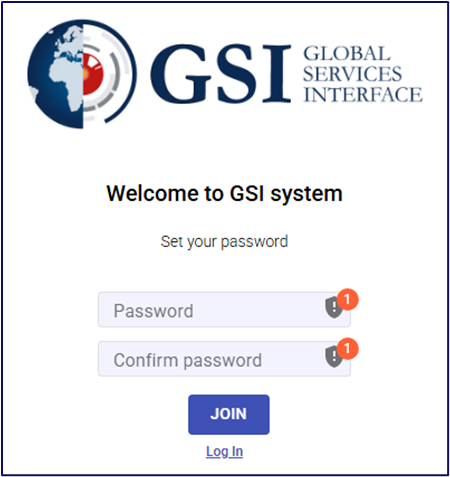
- Once the operation is complete, you can log in to the system using your new credentials.
Note: If you do not receive the email, check your Spam folder or contact your system administrator.
-