-
Accessing the Section
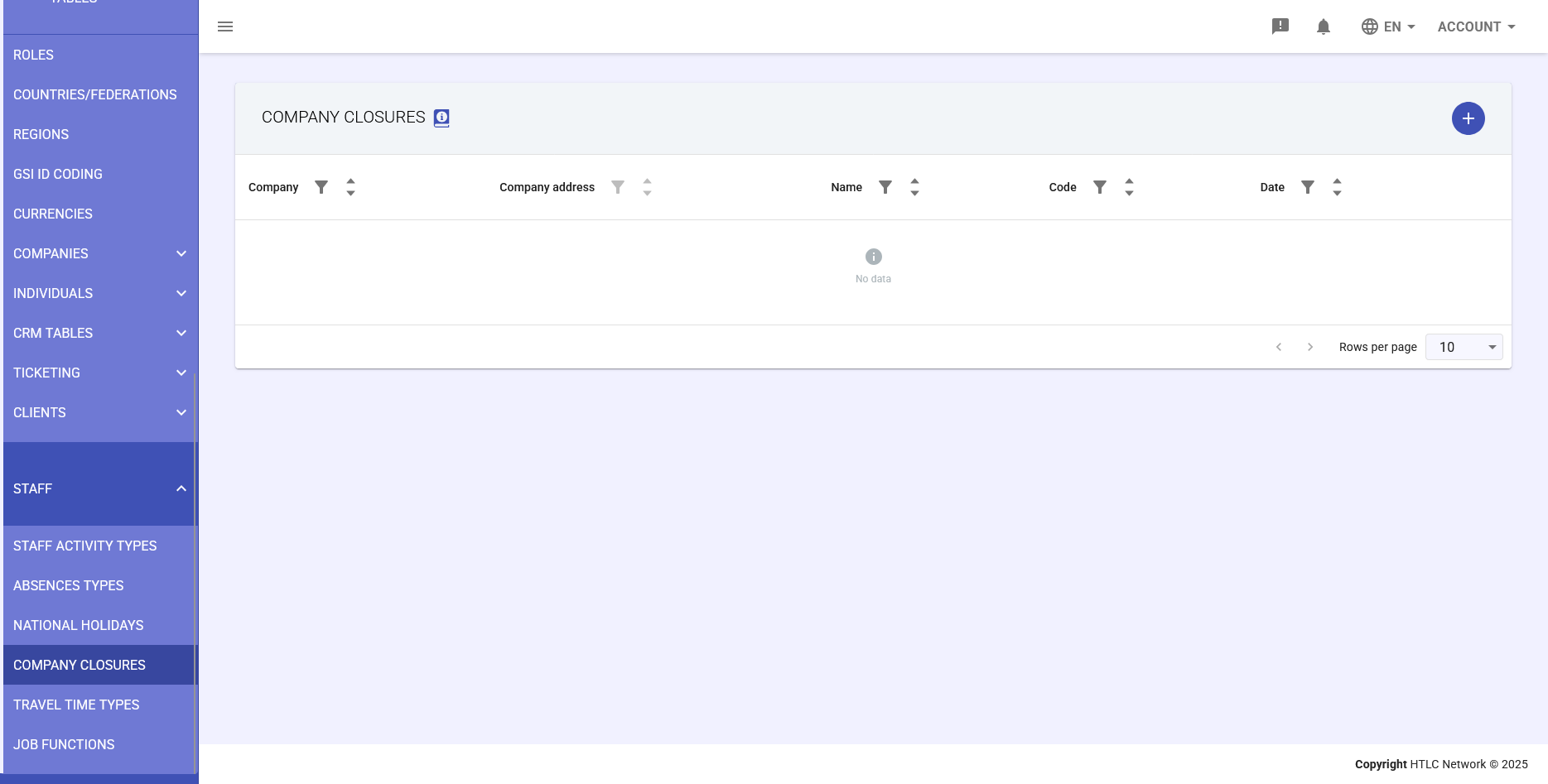
Main menu → STAFF → COMPANY CLOSURES.
Main Interface
The table shows closures with columns: Company, Address, Name, Code, Date.
Adding a Closure
Steps: open dialog, fill in name, code, description, select type (one day or multiple days), set dates, configure company and address, options, save.
How Closures Work
- Company-wide closure: applies to all employees
- Location-specific closure: applies only to employees at that site
- System auto-generates absence records
Managing Existing Closures
View, edit, delete using table and icons.
Best Practices
- Plan ahead
- Use descriptive names
- Verify absence codes
- Document reasons
Common Use Cases
- Annual plant shutdown
- Office-specific renovation
- Company holiday bridge